





Transfer Funds to my Travel Money Card Account
In this guide, we explain step by step how to add money to your account via a bank transfer.
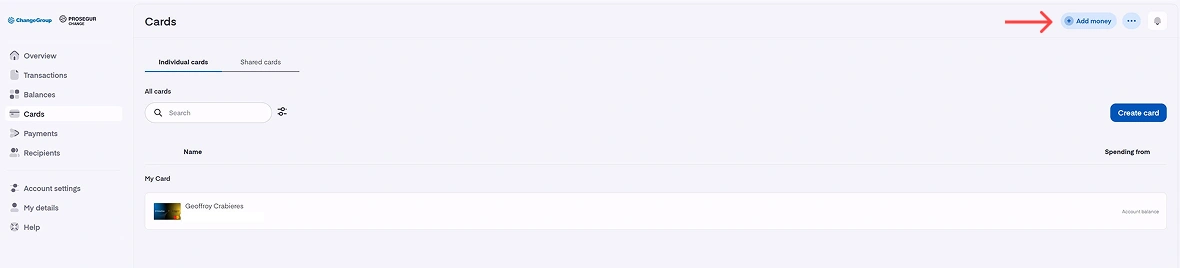
- Click on the "Add money" button at the top right corner of the screen
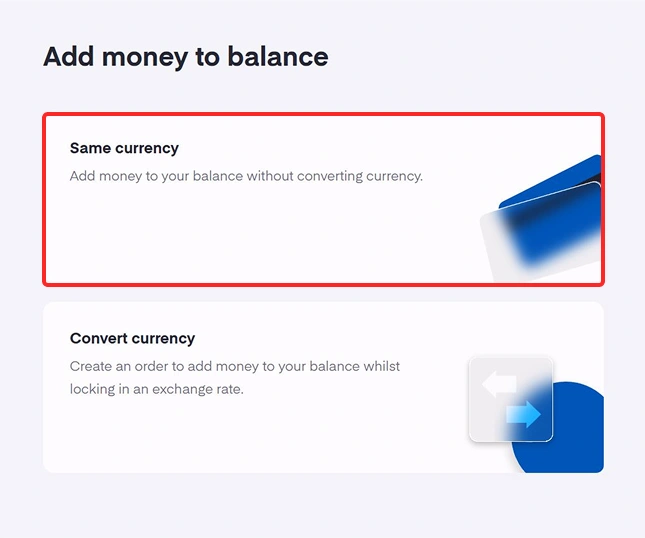
- Click on "Same Currency" to add money to your balance without converting currency
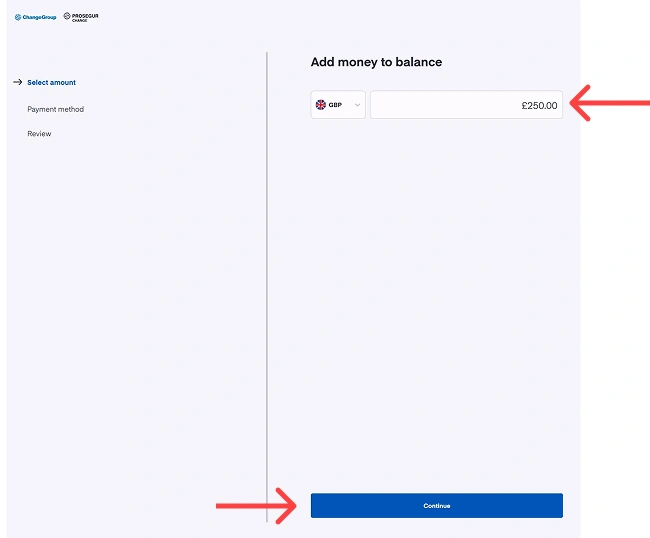
- Choose the amount you want to add to your balance
- Click on "Continue"
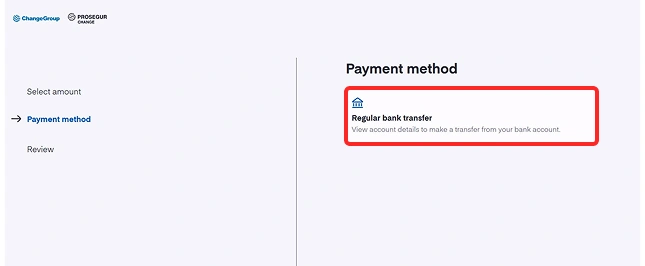
- Select "Regular Bank Transfer" as the payment method
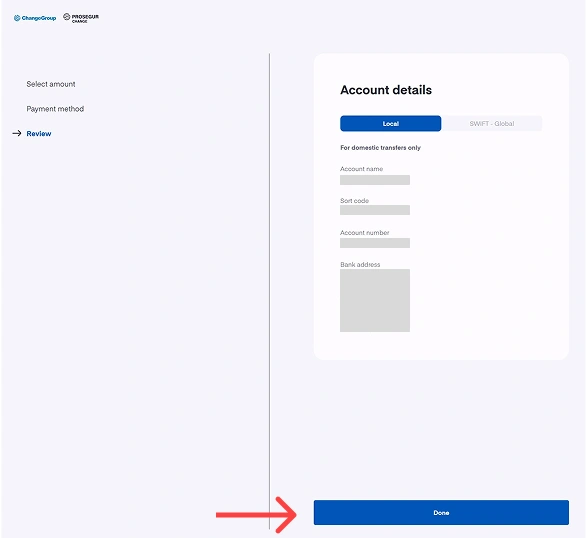
- Use the information displayed to transfer funds to your balance
- Click on "Done" when you have done the transfer
Browse our FAQ
Do you have any further questions about using your Travel Money Card?
We invite you to consult our FAQ to find all the information you need and make the most of your multi-currency card.